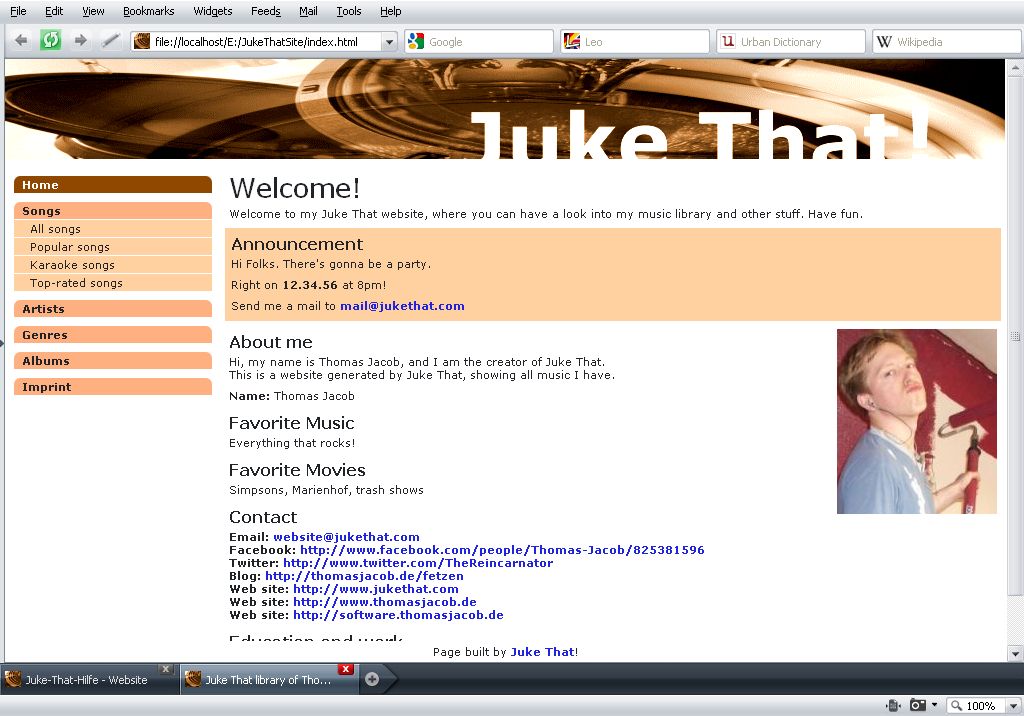
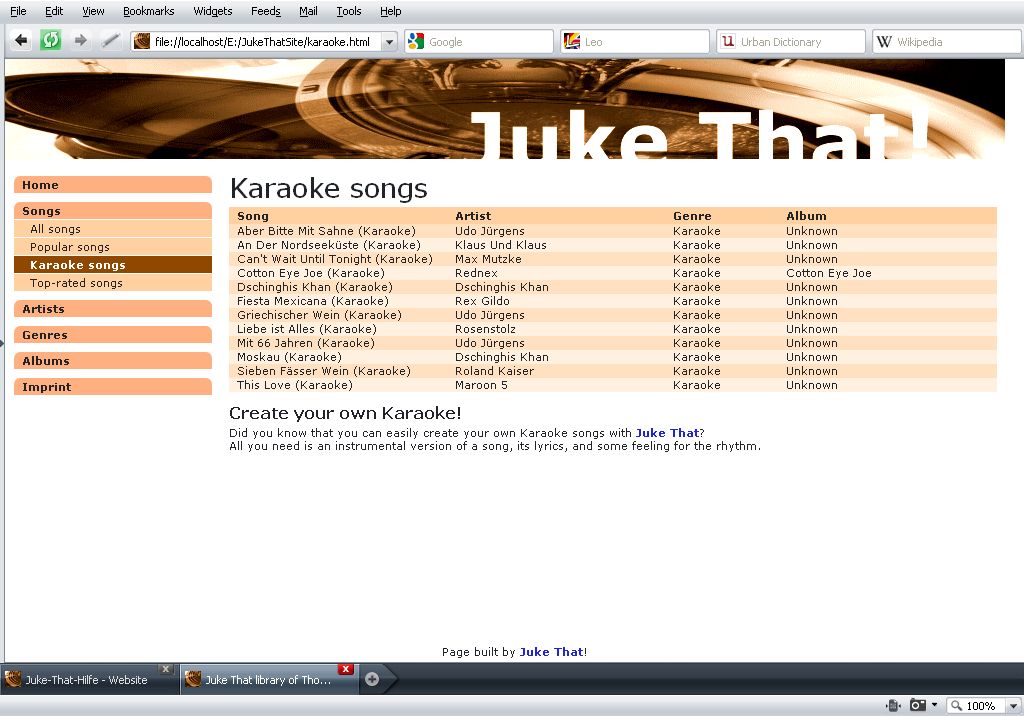
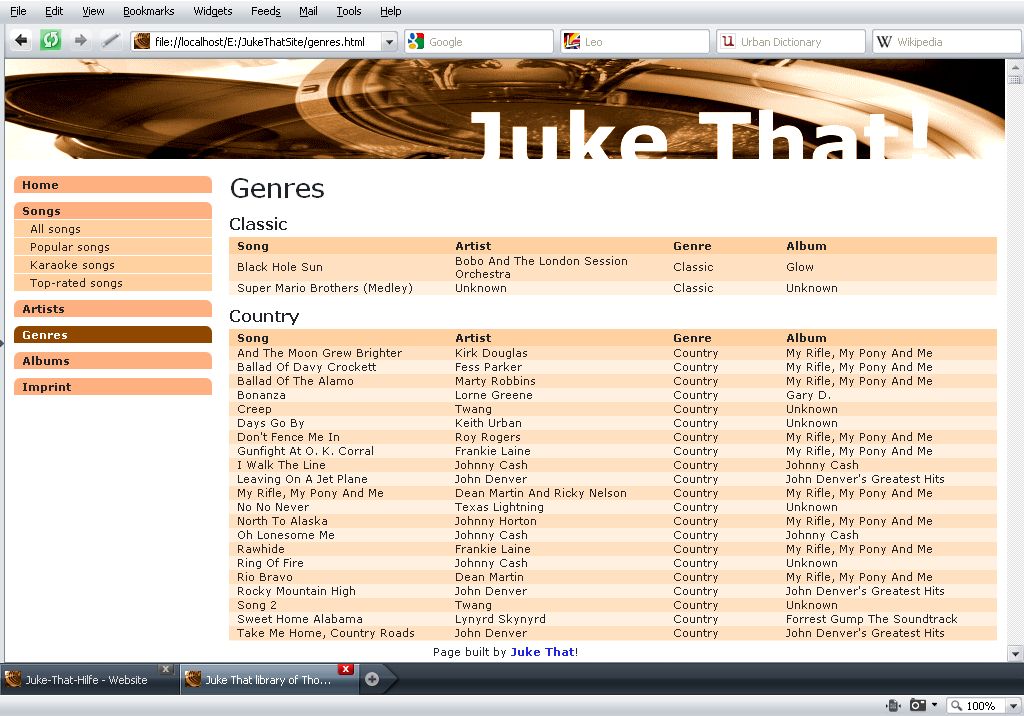
Juke That can create a personal web site for you. On this web site, you can tell something about you, announce parties, and provide your library to browse through it. The visitors of your site can browse by artists, albums, and genres, view popular and Karaoke songs, etc., similar to how you can in Juke That.
Please note that you create the HTML and other files for a web site. However, the web site will not be hosted by the makers of Juke That or Juke That itself, so you have to get an Internet domain and a hosting service, where you can put the files on, for example using FTP. To copy the files, you can use WinSCP, for instance.
Simple, fast web site
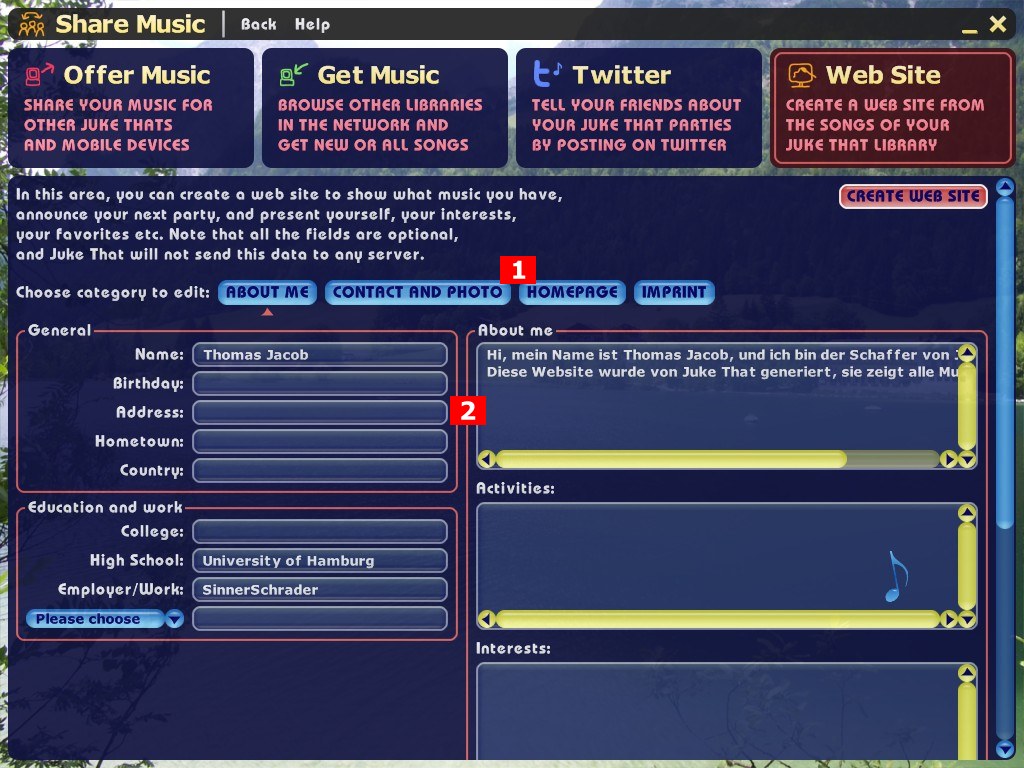
To create the web site, just press "Create web site" at the top right of the screen. But you can also fill out many things about you. Nothing is mandatory, if you leave out fields, the respective page parts simply disappear.
More personal web site
You can enter information on the following pages, which you choose by pressing one of the 1 buttons. Enter the text in the fields of area 2.
- About me:
- Tell everything about you, if you want, for example your birthday, address, hobbies, school and work etc. If you enter something in a selector, e.g. a school or work, a new selector appears, so you can enter more options than it seems at first glance.
- Contact and photo:
- On this page, you can enter contact data like e-mail address, web site, facebook, twitter etc., as well as a photo of yourself.
- Homepage:
- The homepage is the first page of your web site. For instance, you can put an announcement for your next Juke That party here. It appears in a highlighted box, so everybody takes notice.
- Imprint:
- Some countries require an imprint on websites, e.g. telling who you are, and a privacy statement. If you write something into this field, there will be an imprint page.
By pressing the "Create web site" button, Juke That creates the web site. You can repeat this whenever you want, but of course, you also have to put the files on the Internet domain again.
To preview a web site in the browser (no one else can see it yet), choose "Browser" in the following dialog. To upload it, choose "Explorer" and use a web copy tool like WinSCP, as already mentioned above.
When you're done
This is an example of how your web site may look like: